
Starter
US$ 3.99 / month
billed monthly
- 35 credits a month
- 11 Lite clips, or 5 Plus, or 7 live clips
- US$ 0.34 per Lite clip
- No watermark
Subscribe in the app
To start posting clips every week.
A long video, podcast or live stream you're authorized to use, including real-time lives on YouTube, TikTok and TikTok Shop. The AI finds the moments, follows the speaker and adds captions. You review and export in 9:16.
Paste a full link, starting with https://
The AI finds the best moments and builds the clips. You pick, apply the template and post.
A long video, podcast or live stream you're authorized to use. You see the credits before processing.
The AI watches the whole video and gives each segment a viral score from 1 to 10, with the reason. You keep the ones you want.
Caption style, title and format, vertical or horizontal. The same style applies to every clip from the video.
Download the videos in 9:16 with a suggested caption and tags for each clip, and post wherever you want.
On top, what the AI looks for in the video. Below, the clip as it looks on a phone. You review each one before exporting.
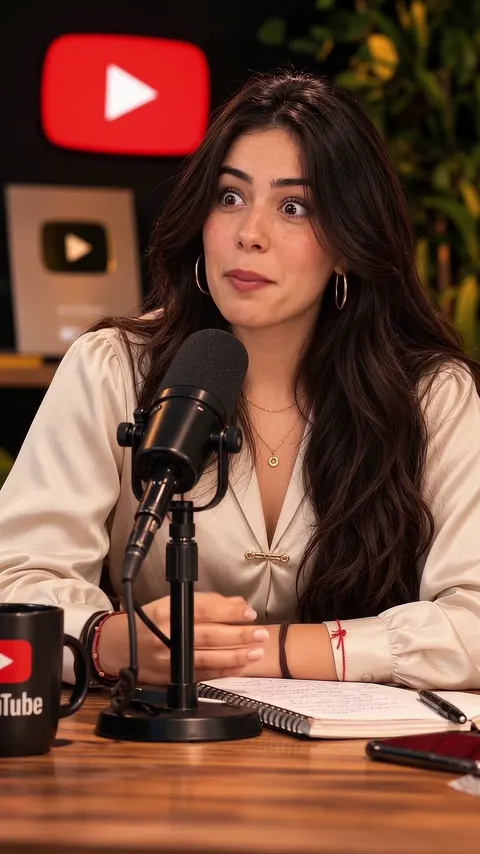
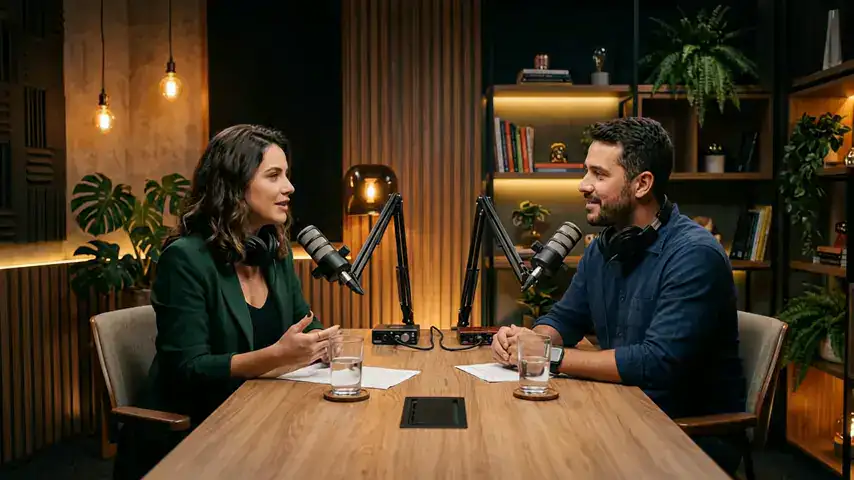
AI-generated podcast test scene. Readings are illustrative.
Illustrative layout mockup using the test scene. Likes are illustrative.
The AI sees and hears everything and rates each segment on hook, clarity and context, with a written reason. It's a selection criterion, not a reach forecast.
Adjusts the start and end so the clip opens on the hook and ends when the idea does. When the idea doesn't fit the length, the segment tends to be dropped rather than cut mid-thought.
Another model checks whether the clip stands on its own for someone who hasn't seen the rest of the video.
Matches mouth movement with the voice. The camera follows the speaker's face and switches with a hard cut when the turn passes.
When the other person appears and both are speaking, the screen splits. A zoom trims out the extra shoulder. If the split would leave someone out, it shows the full scene.
Removes dead pauses and keeps the pause before the reaction, with the camera on the face.
In the middle when the screen is split, at chest height when following one person. The placement aims to keep the text readable and the faces clear; you check it during review.
Same person, same line: only the finish changes. You pick the level for each clip and see the cost before processing.
Simulation of how the clip appears in the feed. Likes and comments are illustrative, not measured. Lite and Premium are platform exports made with our team's own footage. Plus doesn't have an export of this segment yet: the B-roll was overlaid on the Lite clip to show the difference.
Trending Tags shows what's rising in Brazil every hour on TikTok, YouTube, Facebook, X and Google. You see the topic climbing, find a video about it to clip and add the trending tags to your post text.
History up to yesterday is free. Today's tags are unlocked with credits, by the day or by the month.
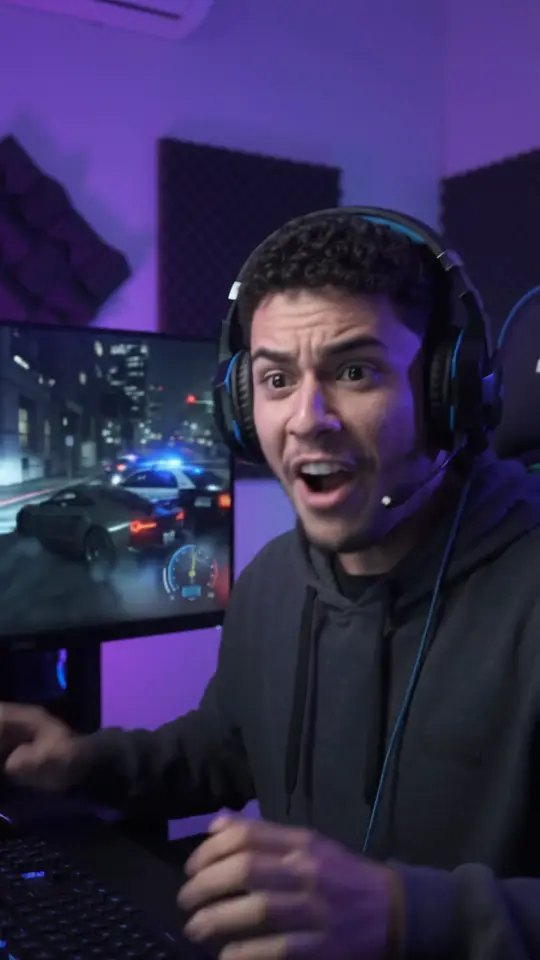
Illustrative examples: demo thumbnails, not customer results.
 The last-second comeback
 The question that changed the talk
 The goal, called live
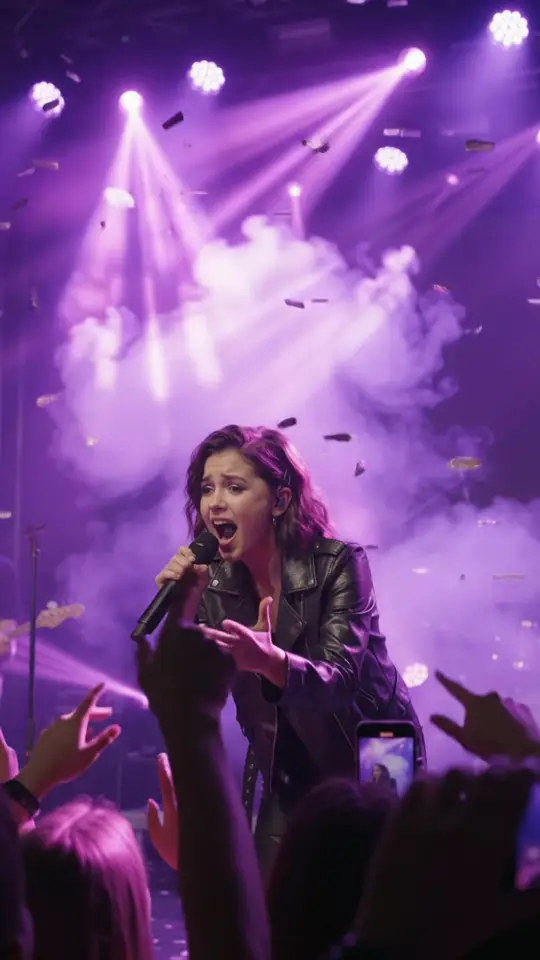 The chorus the crowd sang
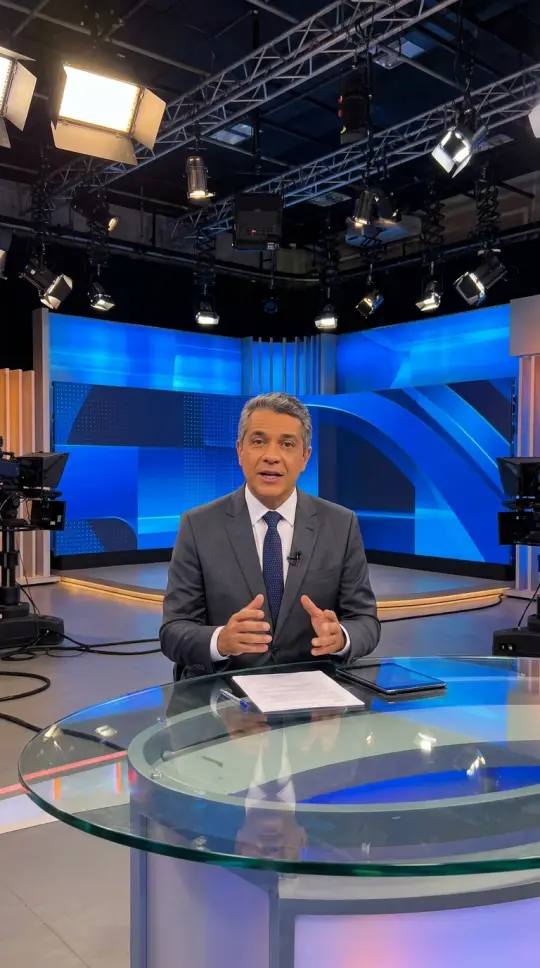 The recap in 40 seconds
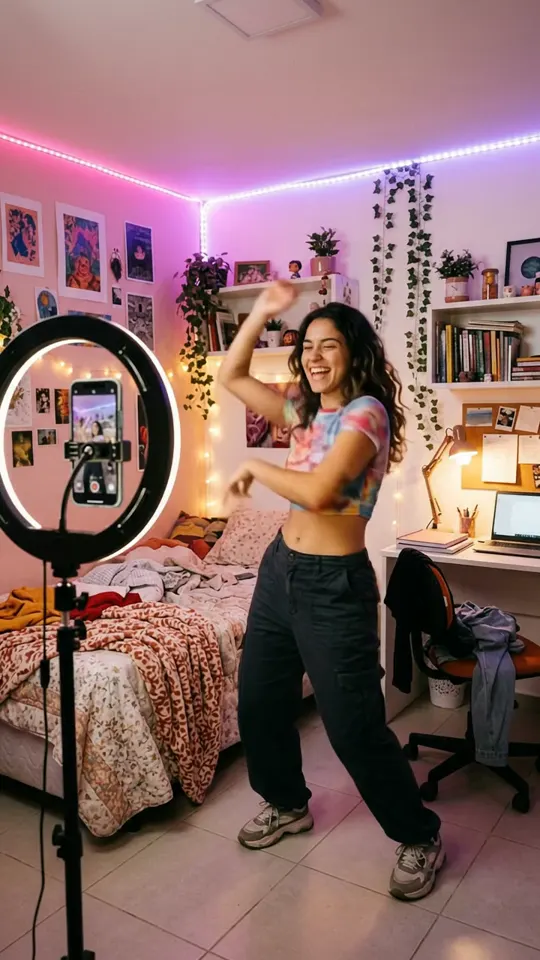 This week's trend move
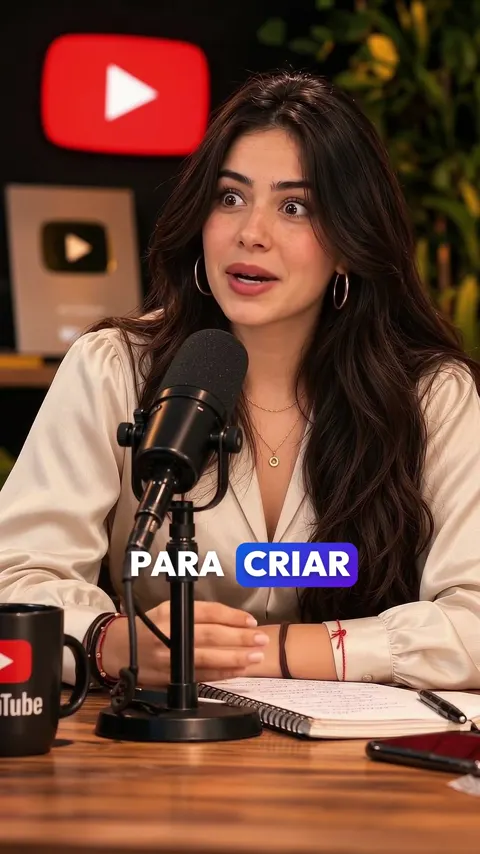 The most honest answer
 A trip on almost no budget
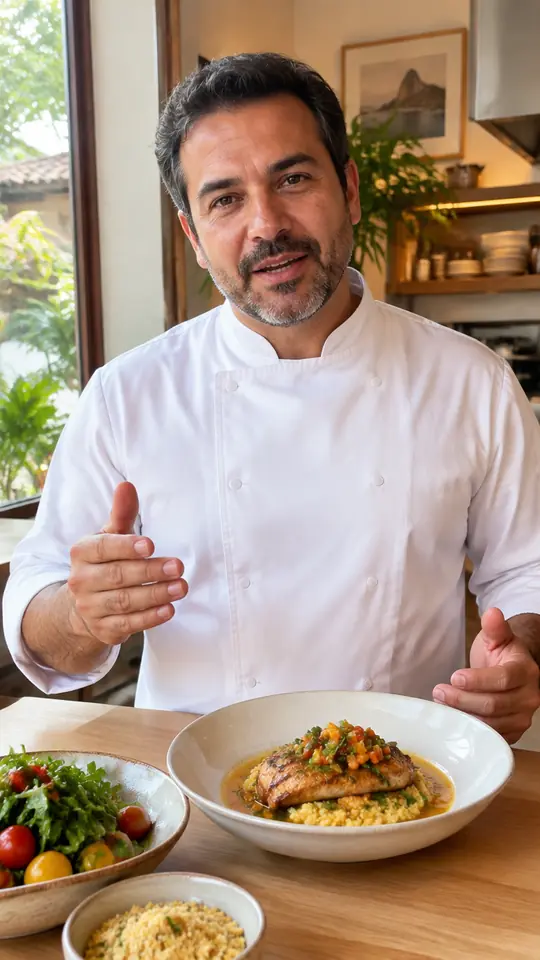 The house dish in 3 steps
 The mistake that stalls training
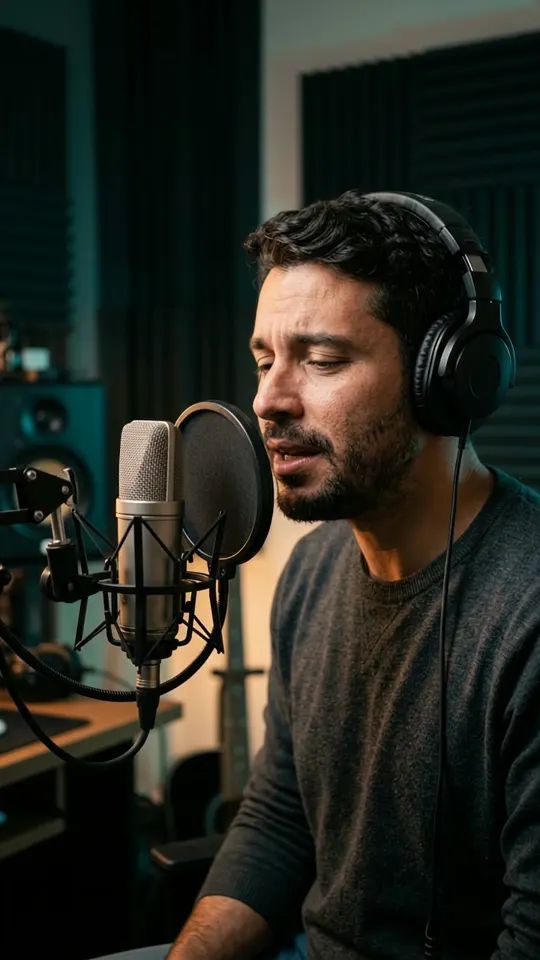 The best moment of the stream
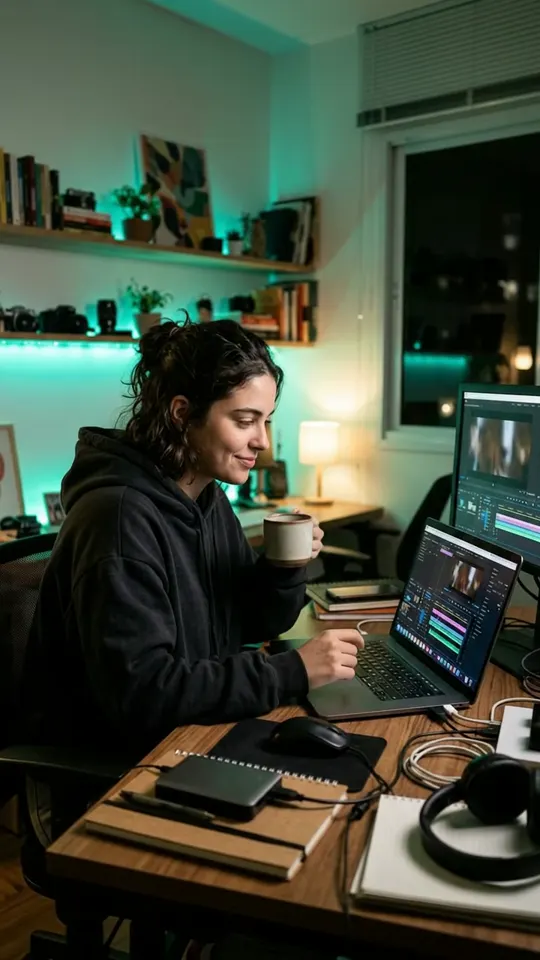 How the video was edited
Credits renew every month. The bigger the plan, the cheaper each credit. The app shows how many credits each video or live uses before processing.
US$ 3.99 / month
billed monthly
To start posting clips every week.
US$ 9.99 / month
billed monthly
For people who post clips almost every day.
US$ 19.99 / month
billed monthly
For channels and teams with lots of video.
15 credits when you sign up: up to 5 Lite clips or 2 Plus, once, no credit card. Real exports, with a watermark.
Clip my videoThe exact usage shows in the app before processing.
If something's missing, talk to us on WhatsApp.
Yes. Paste the link to a YouTube, TikTok or TikTok Shop live: the stream is analyzed every few minutes and the best moments become clips while the live is on. Each live clip uses 5 credits.
No. You paste the link and get clips with captions and vertical framing. If you want to tweak them, the editor opens in your browser.
Each new account gets 15 credits, once, when it signs up: enough for up to 5 Lite clips or 2 Plus clips. How many credits a video uses is shown before processing. After that, plans start at US$ 3.99 a month.
Only content you're authorized to use: yours, your client's or licensed. When you paste the link, you confirm this. Unlicensed third-party content can lead to penalties on social networks.
It watches the whole video and rates each segment on hook, clarity and context, with a written reason. Then it aims to complete the idea so it doesn't cut mid-sentence, and runs a second review. The rating helps you choose; it doesn't predict reach. You keep the clips that make sense.
The credits reserved for that processing are returned to your account.
Yes. Trial clips come with a watermark. The paid plan, when it launches, will remove it.
No. With Pro Clipador you download the file and post wherever you want. Direct posting to social networks is a separate VimoShorts feature and isn't covered by the free credits.
Same account and same credits. Each tool has its own page.
ana.luwait, without traveling??
rafa_mwhich app is this