
Starter
To start posting
US$ 3.99US$ 3.59a month
Cancel anytimeUS$ 43.09 billed once a year. You pay for 10.8 months and get 12. Cancel anytime.
600 credits a month
Subscribe to StarterA long video, podcast or live stream you're authorized to use, including real-time lives on YouTube, TikTok and TikTok Shop. The AI finds the moments, follows the speaker and adds captions. You review and export in 9:16.
Paste a full link, starting with https://
The AI finds the best moments and builds the clips. You pick, apply the template and post.
A long video, podcast or live stream you're authorized to use. You see the credits before processing.
The AI watches the whole video and gives each segment a viral score from 1 to 10, with the reason. You keep the ones you want.
Caption style, title and format, vertical or horizontal. The same style applies to every clip from the video.
Download the videos in 9:16 with a suggested caption and tags for each clip, and post wherever you want.
On top, what the AI looks for in the video. Below, the clip as it looks on a phone. You review each one before exporting.
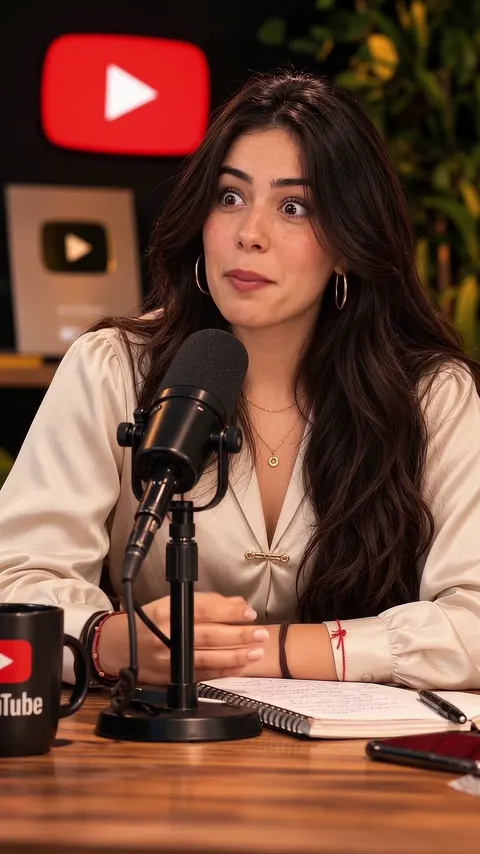
AI-generated podcast test scene. Readings are illustrative.
Illustrative layout mockup using the test scene. Likes are illustrative.
The AI sees and hears everything and rates each segment on hook, clarity and context, with a written reason. It's a selection criterion, not a reach forecast.
Adjusts the start and end so the clip opens on the hook and ends when the idea does. When the idea doesn't fit the length, the segment tends to be dropped rather than cut mid-thought.
Another model checks whether the clip stands on its own for someone who hasn't seen the rest of the video.
Matches mouth movement with the voice. The camera follows the speaker's face and switches with a hard cut when the turn passes.
When the other person appears and both are speaking, the screen splits. A zoom trims out the extra shoulder. If the split would leave someone out, it shows the full scene.
Removes dead pauses and keeps the pause before the reaction, with the camera on the face.
In the middle when the screen is split, at chest height when following one person. The placement aims to keep the text readable and the faces clear; you check it during review.
Sports, news, shows, podcasts or live selling: see the kind of moment that tends to work in each style. These are usage examples. The AI rates each segment for hook, clarity and context, and you choose what becomes a clip.
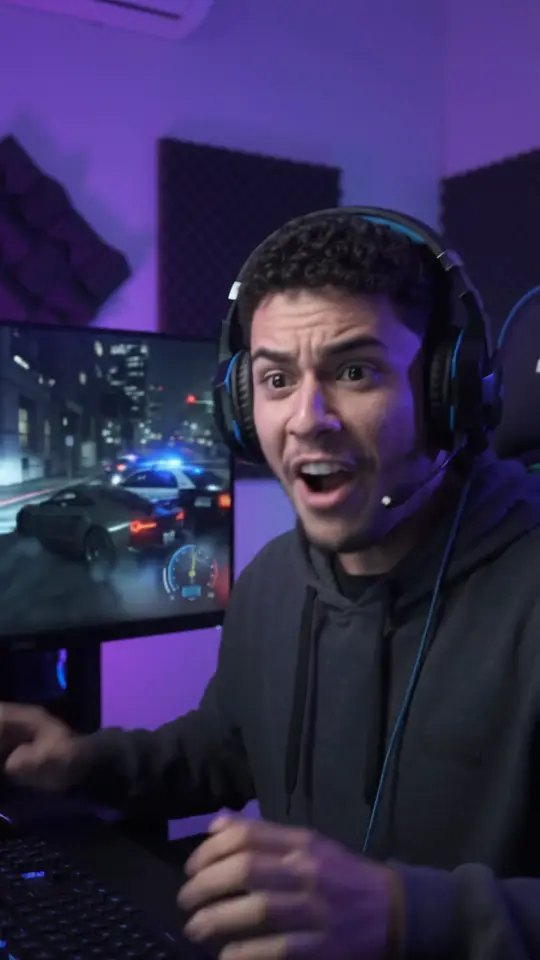
Video generated with AI in Google Flow. Generic game, no real game, brand or streamer.
Open-world, RP (like GTA RP), racing and competitive lives. The clip that spreads is the player’s reaction at the right moment.
AI-generated podcast test scene, arranged in a split screen. Likes are illustrative.
Recorded episode or live podcast. When both people talk, the screen splits; when one talks, the camera follows the speaker.

Scene generated with AI in Google Flow. No real team, league or broadcaster.
Games, talk shows and behind the scenes, live. The clip that spreads is usually short and lands while the topic is still hot.
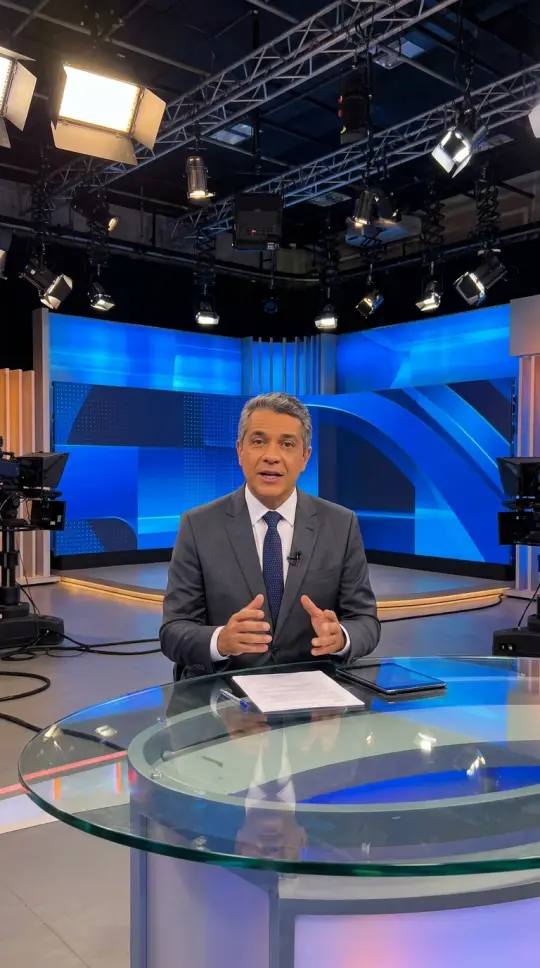
Scene generated with AI in Google Flow. Fictional headline, no real broadcaster.
Newscasts, debates and live interviews. The line that sums up the story becomes the clip people share.
Video generated with AI in Google Flow. No real artist, band or event.
Concerts, festivals, musicals and acoustic lives. What spreads is the moment that makes people wish they were there.
AI-generated example video, no real brand. Product and likes are illustrative.
Beauty, fashion, home, recipes and live selling on TikTok Shop. The clip takes the tip and the product to people who missed the live.
Only clip what you have the right to use: your own material, your client's or licensed content. Sports broadcasts, newscasts and concerts usually carry third-party rights, so check the license before pasting the link. Drawn scenes, titles, profiles and numbers are illustrative.
Same person, same line: only the finish changes. You build your edit by picking the options (or start from a ready-made template) and see the cost of each item before processing.
Simulation of how the clip appears in the feed. Likes and comments are illustrative, not measured. Quick and Complete are platform exports made with our team's own footage. B-roll and music doesn't have an export of this segment yet: the B-roll was overlaid on the Quick clip to show the difference. Title and a post description for one network are included; each extra network costs 3 credits per clip.
Trending Tags shows what's rising in Brazil every hour on TikTok, YouTube, Facebook, X and Google. You see the topic climbing, find a video about it to clip and add the trending tags to your post text.
History up to yesterday is free. Today's tags are unlocked with credits, by the day or by the month.
Illustrative examples: demo thumbnails, not customer results.
 The last-second comeback
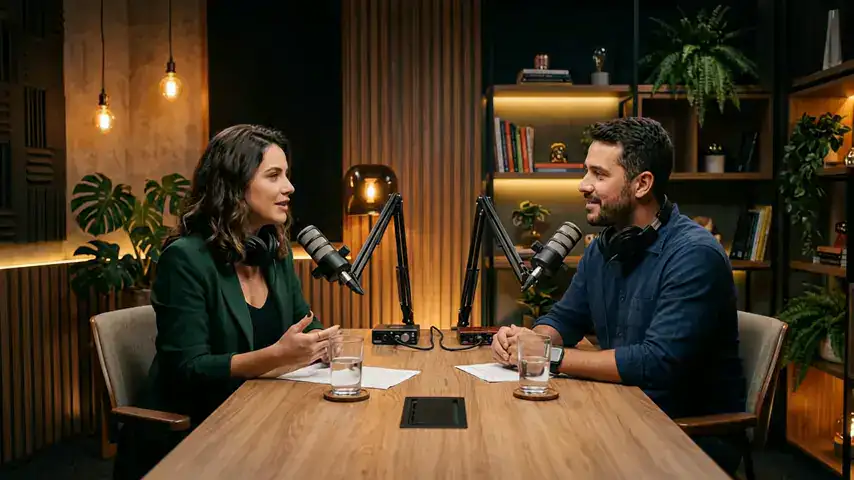 The question that changed the talkThe goal, called live
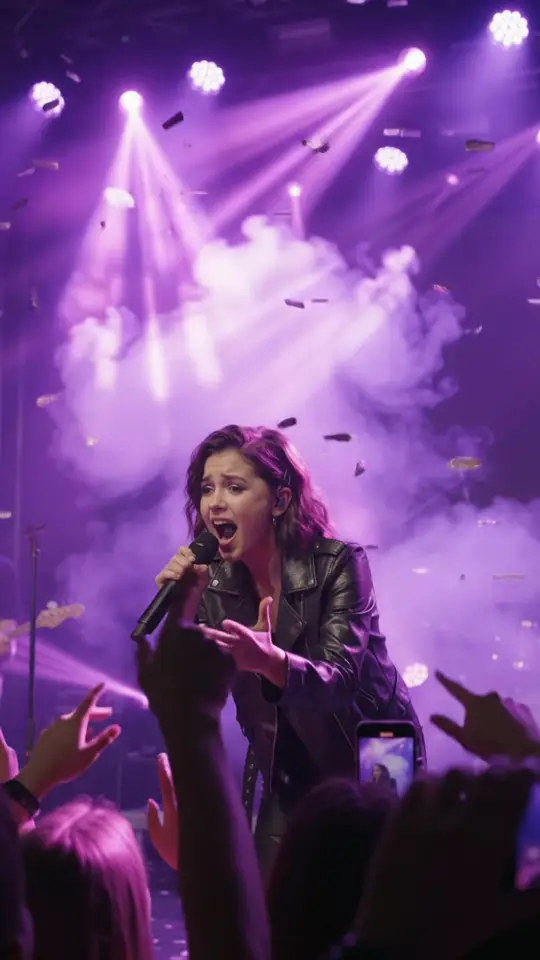 The chorus the crowd sangThe recap in 40 seconds
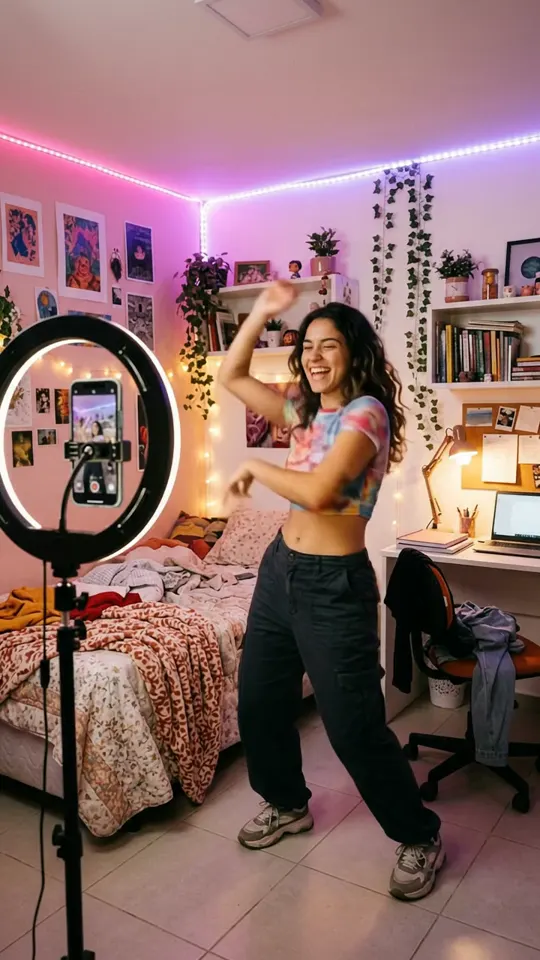 This week's trend move
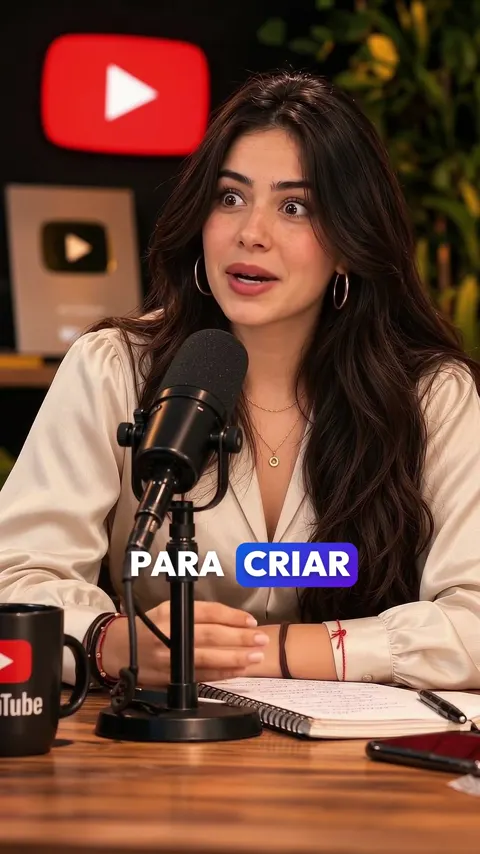 The most honest answer
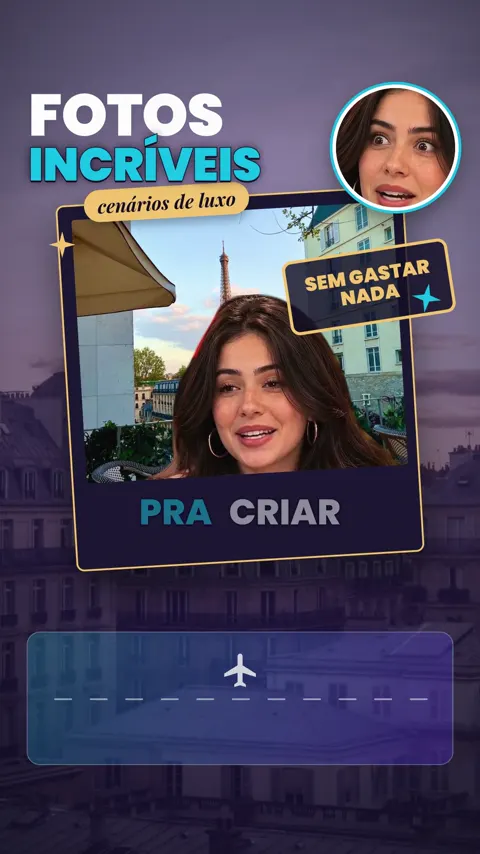 A trip on almost no budget
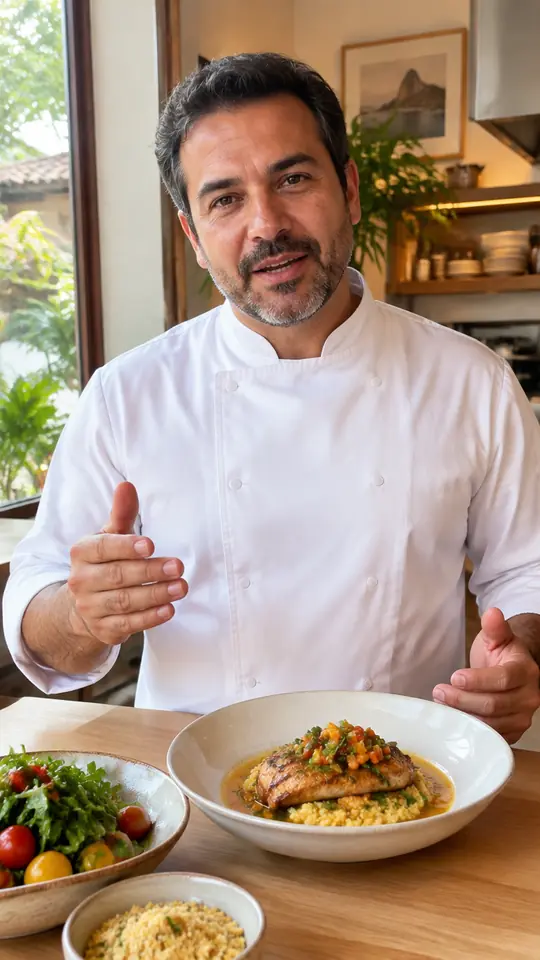 The house dish in 3 steps
 The mistake that stalls training
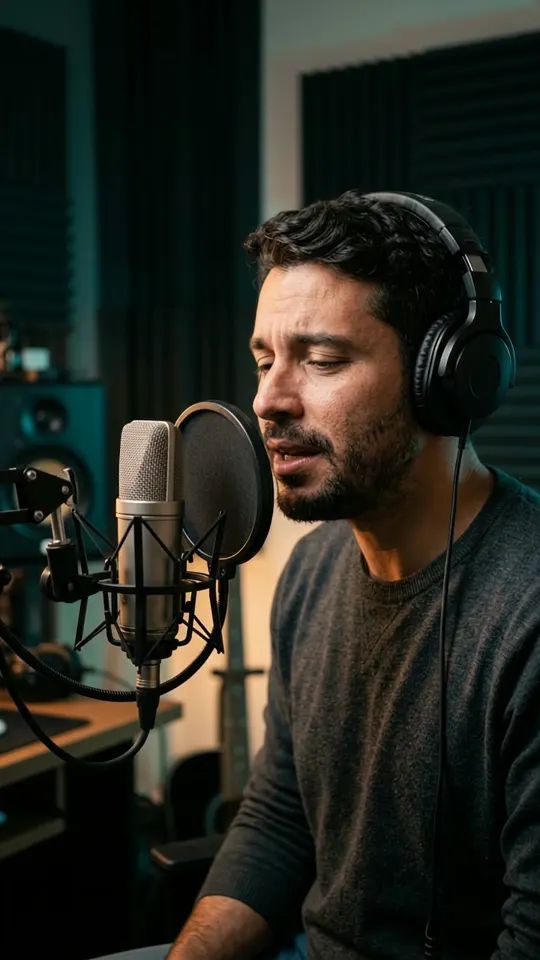 The best moment of the stream
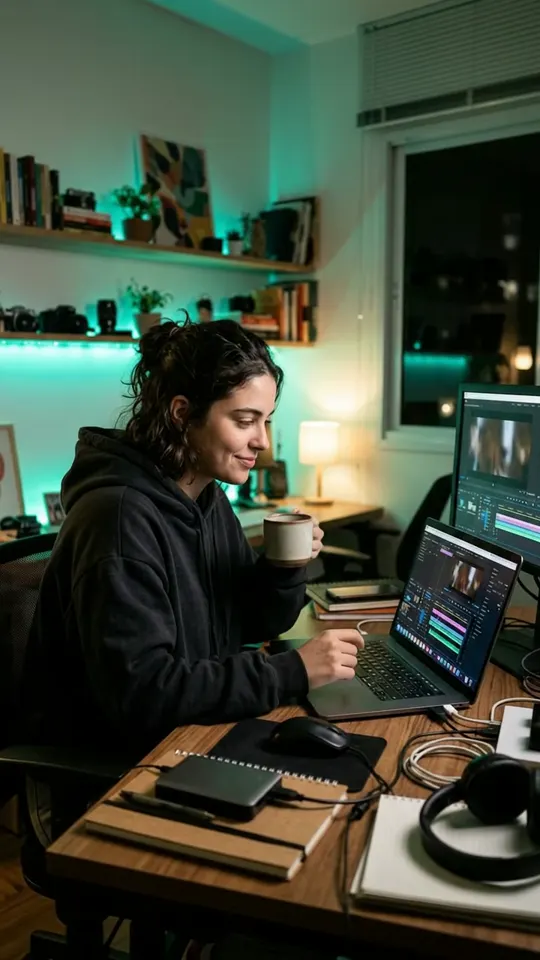 How the video was edited
Pick a plan and use the credits on any product. Cancel anytime.
Start with 150 free credits and earn up to 270 more with missions. Missions: complete your profile, take the quiz, follow us on social, connect a network and make your first clip.
To start posting
Cancel anytimeUS$ 43.09 billed once a year. You pay for 10.8 months and get 12. Cancel anytime.
600 credits a month
Subscribe to StarterFor people who post every day
Cancel anytimeUS$ 107.89 billed once a year. You pay for 10.8 months and get 12. Cancel anytime.
1,800 credits a month
Subscribe to CreatorFor creators and brands
Cancel anytimeUS$ 215.89 billed once a year. You pay for 10.8 months and get 12. Cancel anytime.
4,000 credits a month
Subscribe to ProFor agencies and high volume
Cancel anytimeUS$ 431.89 billed once a year. You pay for 10.8 months and get 12. Cancel anytime.
8,500 credits a month
Subscribe to Scale| What fits in each plan, per month | StarterUS$ 3.99US$ 3.59/mo | CreatorUS$ 9.99US$ 8.99/mo | ProUS$ 19.99US$ 17.99/mo | ScaleUS$ 39.99US$ 35.99/mo |
|---|---|---|---|---|
| Full clips | 4 | 13 | 29 | 62 |
| 15 s sales ads in 768p | 2 | 6 | 14 | 29 |
| Avatar video | 21 s | 1 min 4 s | 2 min 23 s | 5 min 3 s |
| Look images | 13 | 40 | 88 | 188 |
| New voices | 1 | 3 | 7 | 15 |
| Post images | 11 | 33 | 74 | 157 |
| Trends | Free and unlimited | |||
Trends is free and unlimited on every plan. Monthly credits do not roll over. On yearly billing you pay for 10.8 months and get 12, with 10% off; credits arrive month by month.
Or pick the options one by one, priced per 30 s clip: cuts and pauses and title included, captions 1, B-roll 100, background music 35, cover 40, best moments 30, motions 80, speech-guided zoom 30, sound effects 20 and person in front of the text 20 credits. Framing and split screen are automatic. The post description is free for one network; each extra network costs 3 credits per clip. The exact usage shows in the app before processing.
If something's missing, talk to us on WhatsApp.
Yes. Paste the link to a YouTube, TikTok or TikTok Shop live: the stream is analyzed every few minutes and the best moments become clips while the live is on. Each live clip uses 89 credits.
No. You paste the link and get clips with captions and vertical framing. If you want to tweak them, the editor opens in your browser.
Each new account gets 150 credits, once, when it signs up: enough for up to 140 clips with the Quick template from a video of up to 10 minutes. How many credits a video uses is shown before processing. After that, plans start at US$ 3.99 a month.
Only content you're authorized to use: yours, your client's or licensed. When you paste the link, you confirm this. Unlicensed third-party content can lead to penalties on social networks.
It watches the whole video and rates each segment on hook, clarity and context, with a written reason. Then it aims to complete the idea so it doesn't cut mid-sentence, and runs a second review. The rating helps you choose; it doesn't predict reach. You keep the clips that make sense.
The credits reserved for that processing are returned to your account.
Yes. Trial clips come with a watermark. On paid plans, clips come out without a watermark.
No. With Pro Clipador you download the file and post wherever you want. Direct posting to social networks is a separate VimoShorts feature and isn't covered by the free credits.
Same account and same credits. Each tool has its own page.
ana.luwait, without traveling??
rafa_mwhich app is this