

Studio
Photos and videos of your product, no studio needed.
Upload a product photo and the AI recognizes what it is and suggests scenes. Generate images and videos from 1 to 60 seconds, up to 4 results per request, or build a workflow and regenerate only the step that changed.
Create in StudioTotal in credits before you generate.
Workflow · perfume3 connected nodes
Product photo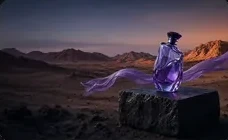 Product recognized
Image
Bottle in the desert at sunset, violet fabric in the wind
4 resultsVideo · 8 s
Slow motion, the fabric moves
In queueBatch: 12 products · total shown firstGenerate batch
From photo to ad, in three steps.
You don't need to know how to write prompts: Studio suggests and improves the text for you.
Upload the photo
Up to 8 reference photos. The AI recognizes the product and suggests ready-made scenes from the gallery.
Generate
An image or a 1 to 60 second video, in the aspect ratio you choose, with up to 4 results per request.
Repeat in batches
Up to 20 products at once, each with its own request and the total in credits before you generate.
One catalog photo, many ad scenes.
A simple photo goes in; scenes and video come out ready for your storefront, ads and feed.
Workflow · serumIllustration1 photo · 4 branches
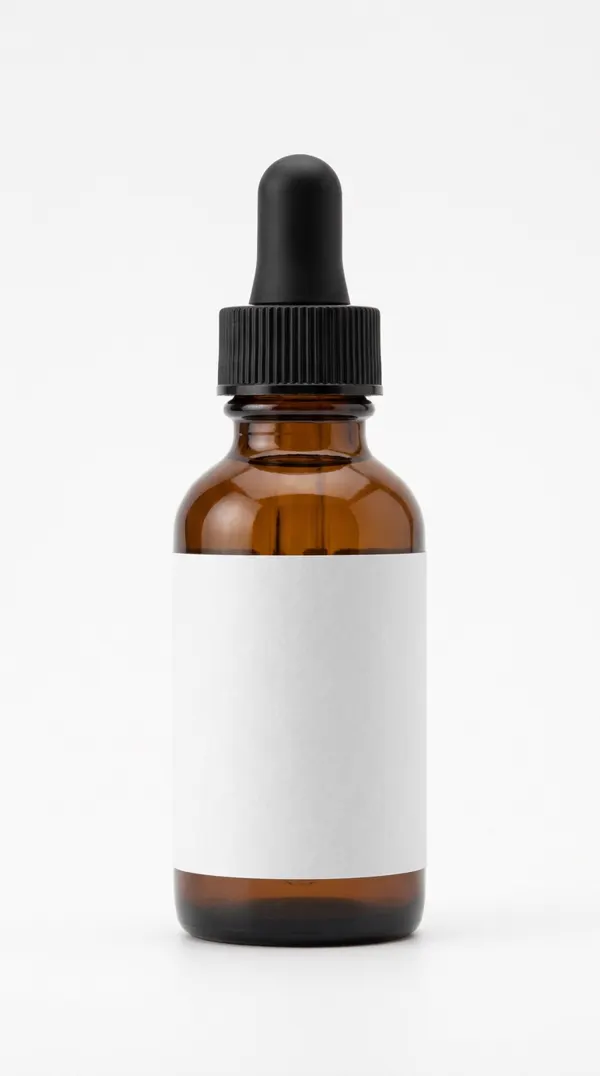
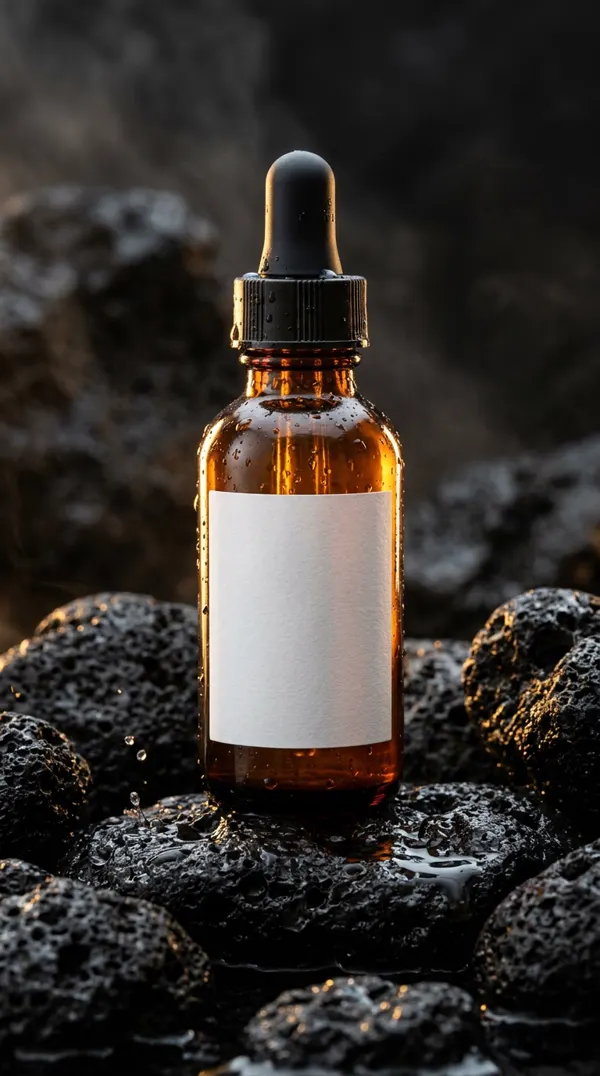
Image 1, prompt: On volcanic rocks, water droplets, warm light
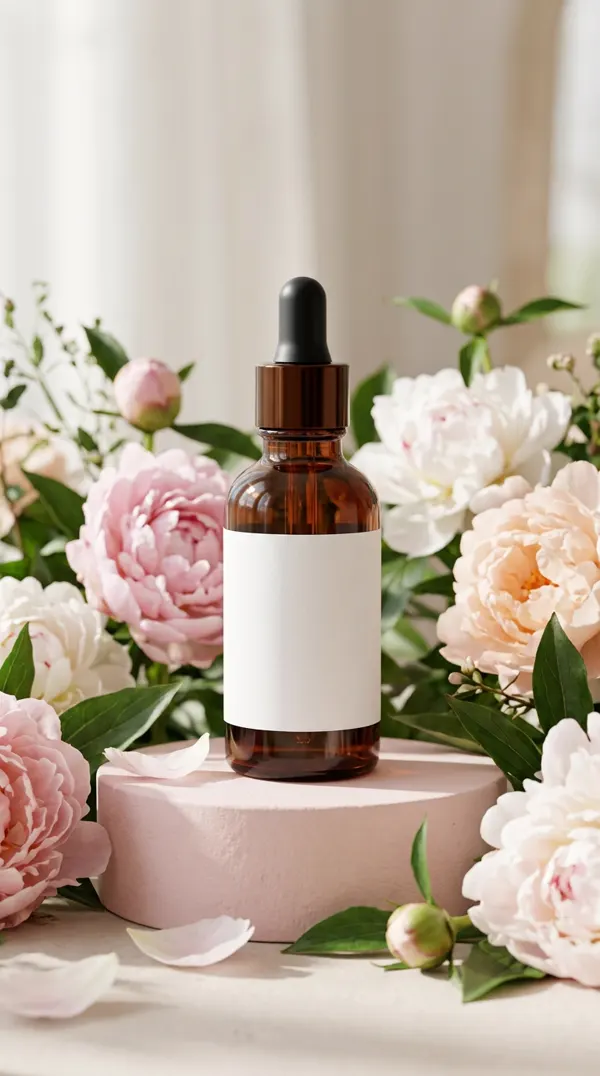
Image 2, prompt: On a pink podium, surrounded by peonies
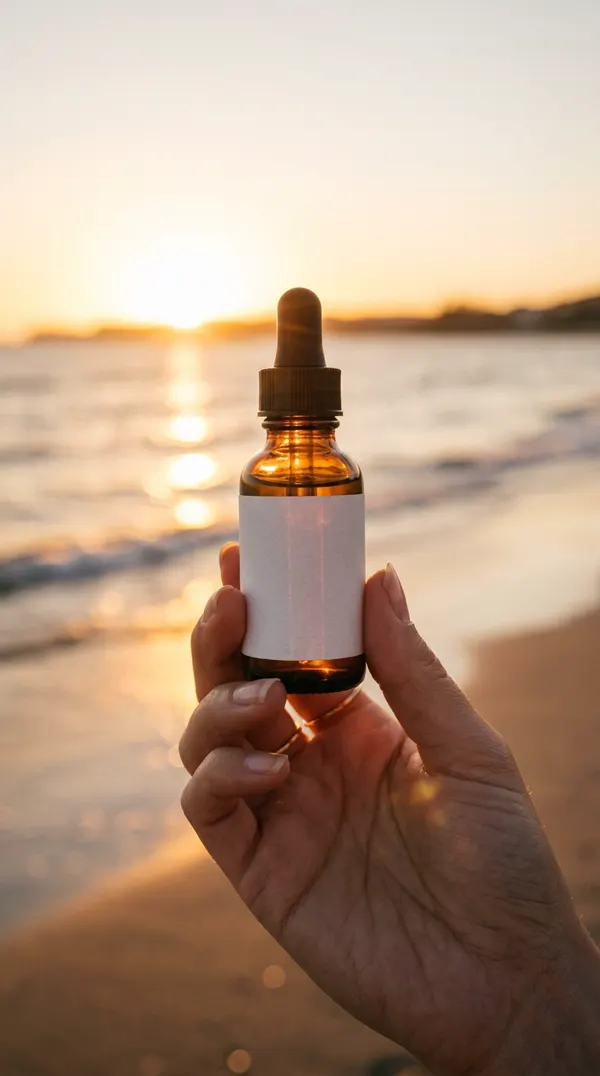
Image 3, prompt: Held in a hand, on the beach at sunset
Video · 8 s, prompt: On the rocks, with mist rising
Branch 4's video in the feed. Illustrative composition; illustrative likes.
Then the image becomes a video.
Connect a generated image to a video node as the start frame, describe the motion and pick the duration and aspect ratio.
Workflow · serumIllustrationimage → video
Motion prompt: Camera slowly pushes in, mist rising between the rocks
8-second video in 9:16, with image 1 as the start frame.
Workflow: connect the steps and change just one.
Build the flow with photo, image, video and text nodes. The workflow is saved to your account so you can use it again.
- Connected nodesConnect the product photo to the image and the image to the video, on the canvas.
- Improve the promptThe AI rewrites your request. Up to 20 times a day, at no cost.
- Short scriptSuggested lines about the product for the video.
- Favorites and historyKeep the best results and go back to any request.
Before you generate.
Still have a question? Talk to us on WhatsApp.
Do I need to know how to write prompts?
No. Upload the photo and the AI suggests scenes. If you write one, the improve button rewrites the text for you, up to 20 times a day at no cost.
Which formats can I generate?
You choose the aspect ratio for each request, such as 9:16, 1:1, 4:5 or 16:9, depending on what the model supports. For several formats, generate one request for each.
How much does it cost?
Each image or second of video uses credits, depending on the model you choose. The total appears before you generate.
Can I generate for several products at once?
Yes. A batch takes up to 20 products, with the total quote shown first.
Also on VimoShorts.
Same account, same credits. Each tool has its own page.
- Pro ClipadorReady-to-post clips from a link.Learn more
- TrendsWhat's trending in Brazil, every hour.Learn more
- Digital cloneVideos with your face and your voice.Learn more
- Voice cloneAny text, in your voice.Learn more
- AI editorAsk for edits in plain text.Learn more
- Script generatorA short-video script from any text.Learn more